Gigly
Tackling shift schedules and streamlining processes for staff to create a harmonious work environment.
Context
Organizations often face challenges with workforce scheduling, impacting operational efficiency and staff satisfaction. Traditional scheduling tools fall short in addressing the dynamic needs of modern workforce management. There was a need for a more advanced system that could enhance reliability, efficiency, and overall satisfaction for the three groups who depend on it: staff, supervisors, and organization administrators.
As the Business Analyst and UX Designer for this project, the aim was to revolutionize workforce scheduling by developing a sophisticated shift scheduling system. This system is designed not just as a scheduling tool but as a transformative agent that enhances operational efficiency, reliability, and satisfaction across staff, supervisors, and organization administrators.
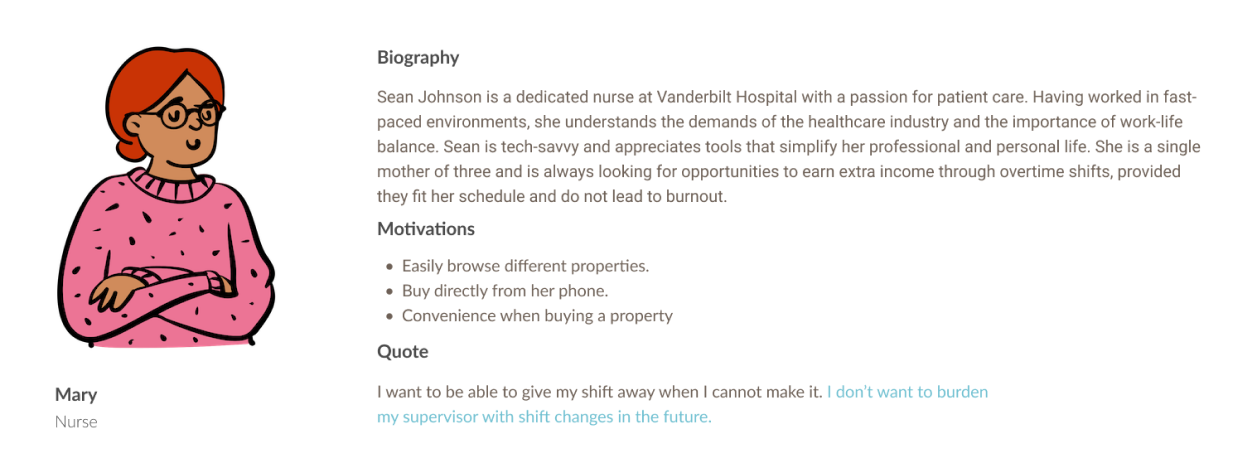
User Research + Personas
It was crucial to analyze the problem from three perspectives: staff, supervisors, and organization administrators, to ensure the system meets the diverse needs of all users and lays the groundwork for a more adaptable and robust staffing infrastructure.
For this case study, we will focus on the staff's user research and user persona.
Key Pain Points
Shift Availability Awareness: Difficulty in keeping track of available overtime shifts that match his schedule and professional interests.
Work Overload: The challenge of balancing the desire for additional income with the risk of burnout from too many overtime shifts.
Missed Opportunities: Missing out on overtime shifts in preferred departments or specialties due to inefficient notification systems.
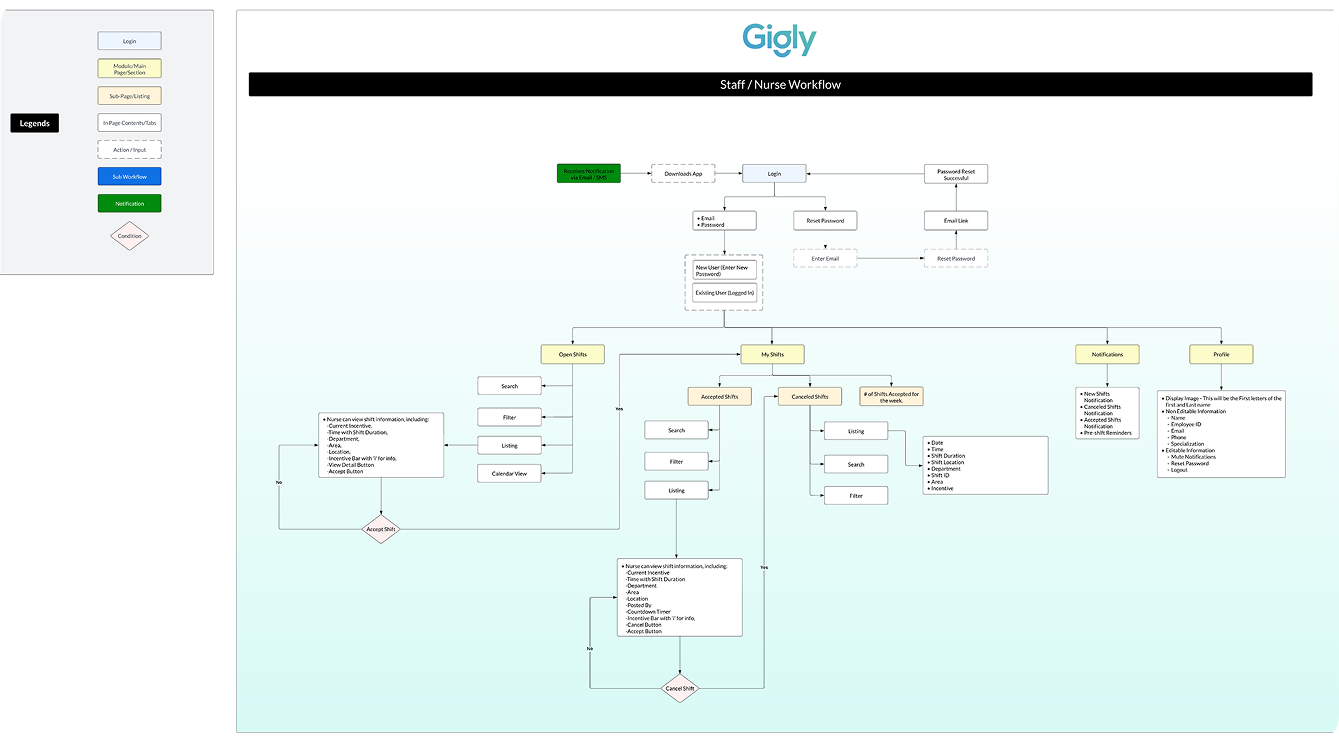
Data Flow Diagram
After talking to the client and getting the main idea of the application, I begin to work on a User Data flow for all three users — staff, supervisors, and organization administrators. This is reviewed alongside the client to ensure everyone is on the same page before moving on to wireframes.
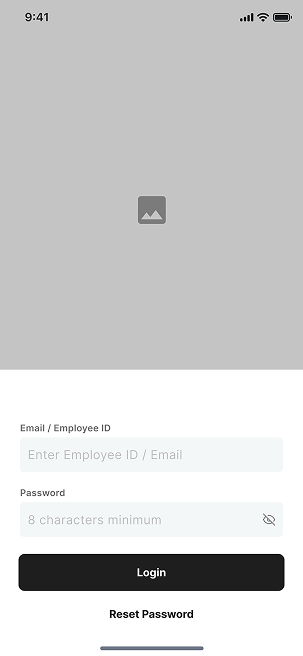
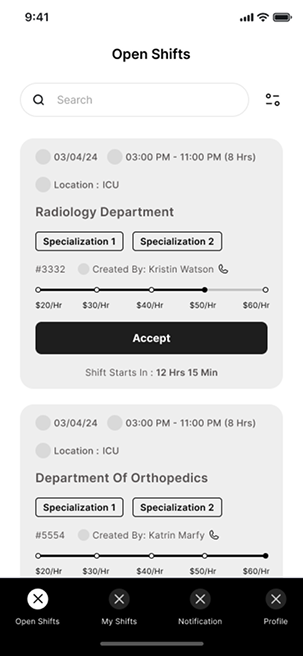
Low Fidelity Wireframes
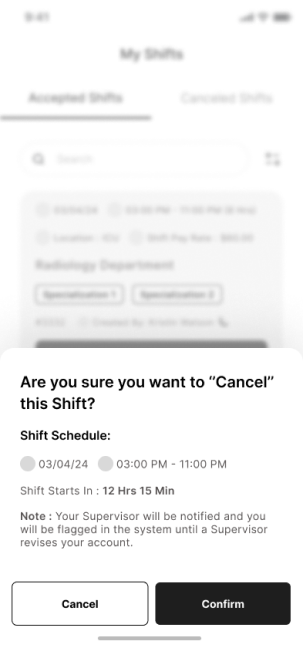
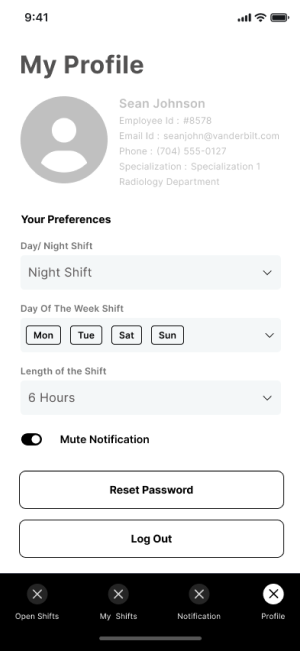
Once the workflow was finalized for the Staff User Flow (in this example, it is a nurse), I moved forward with creating wireframes for the Mobile Application portion of the project which would serve as the staff's platform.
First UI Design Iterations
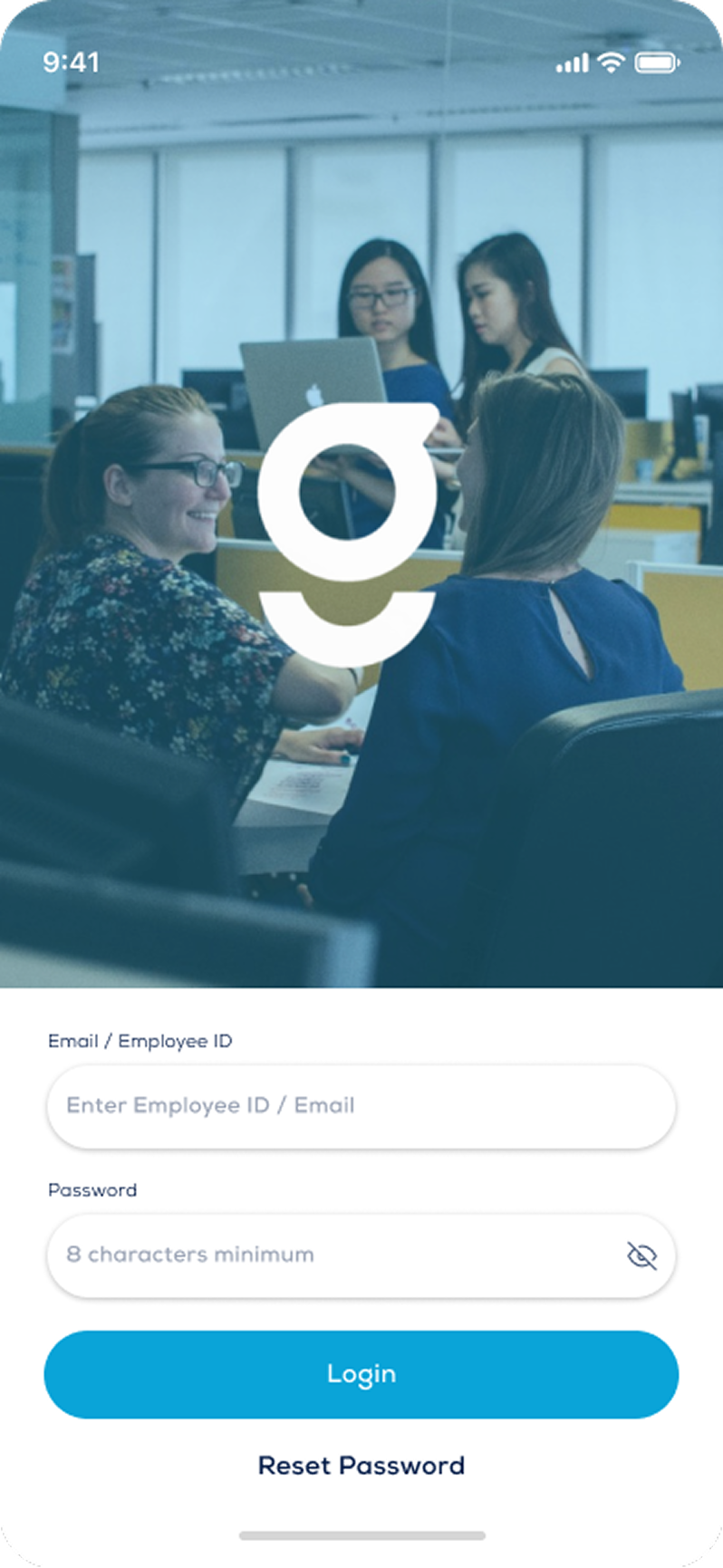
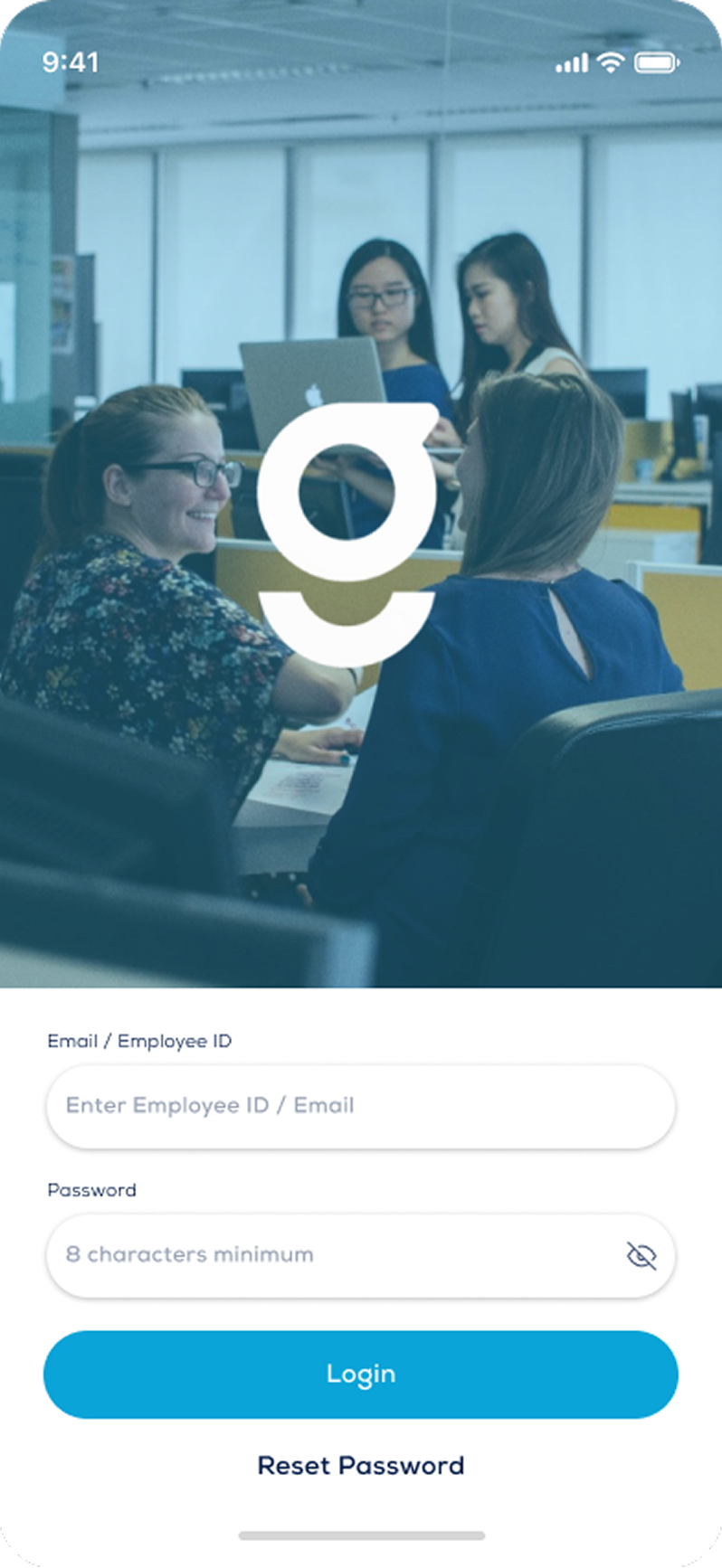
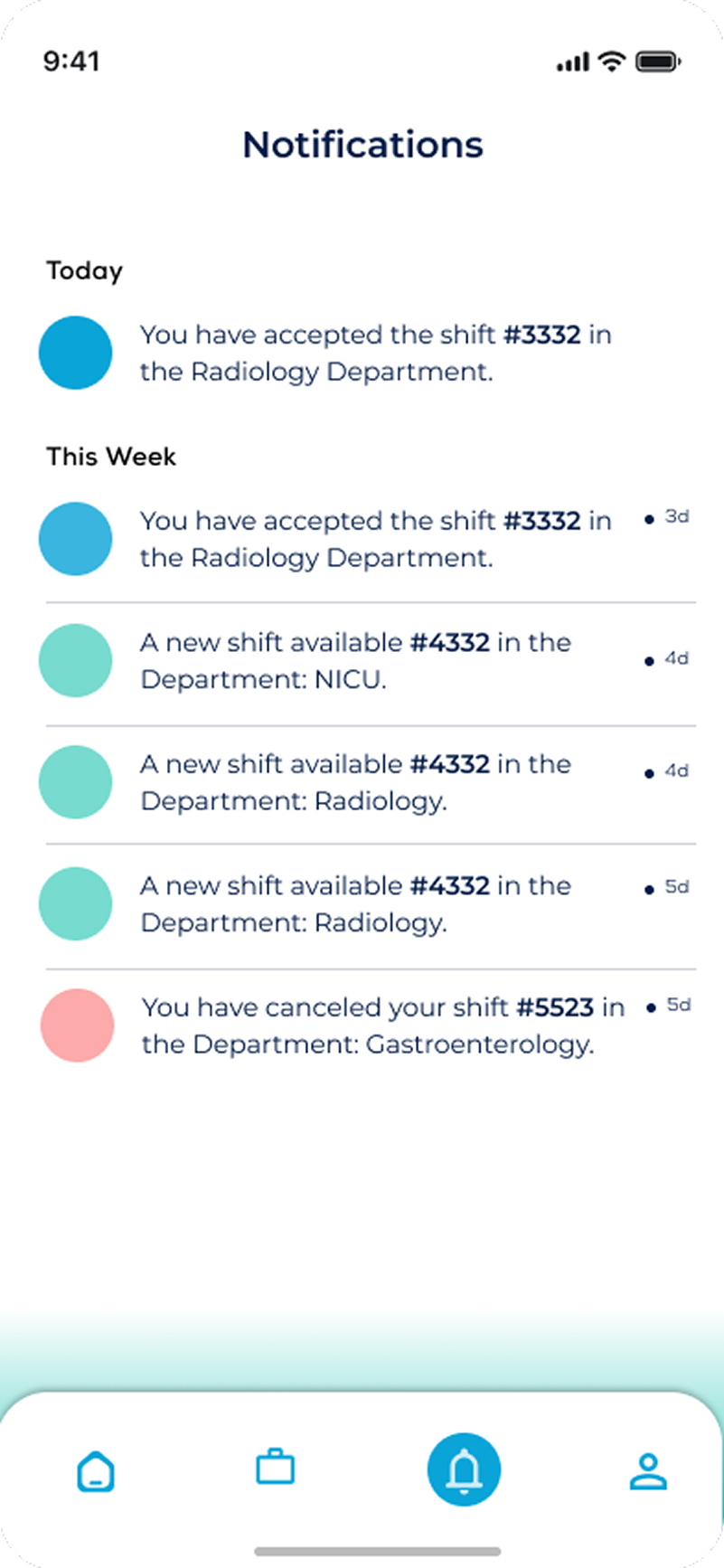
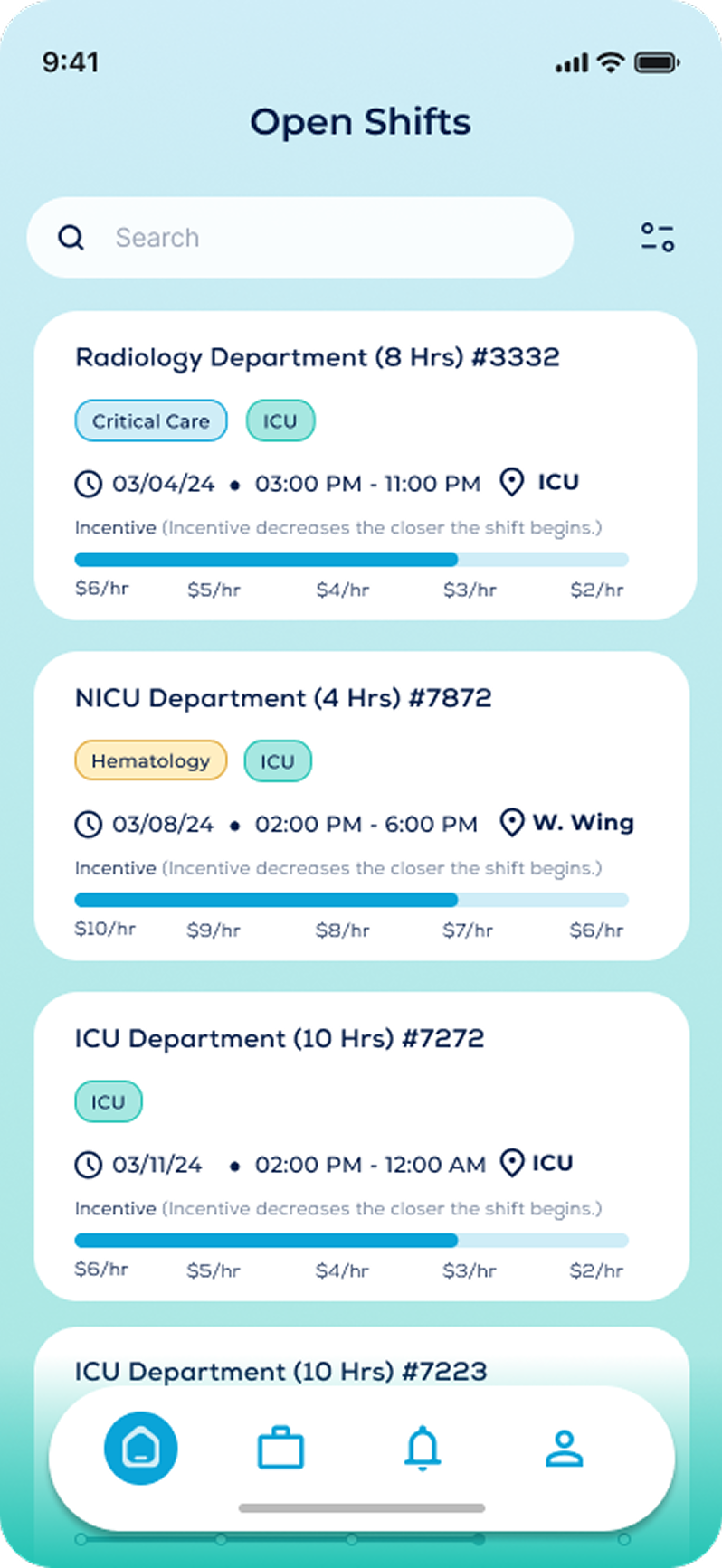
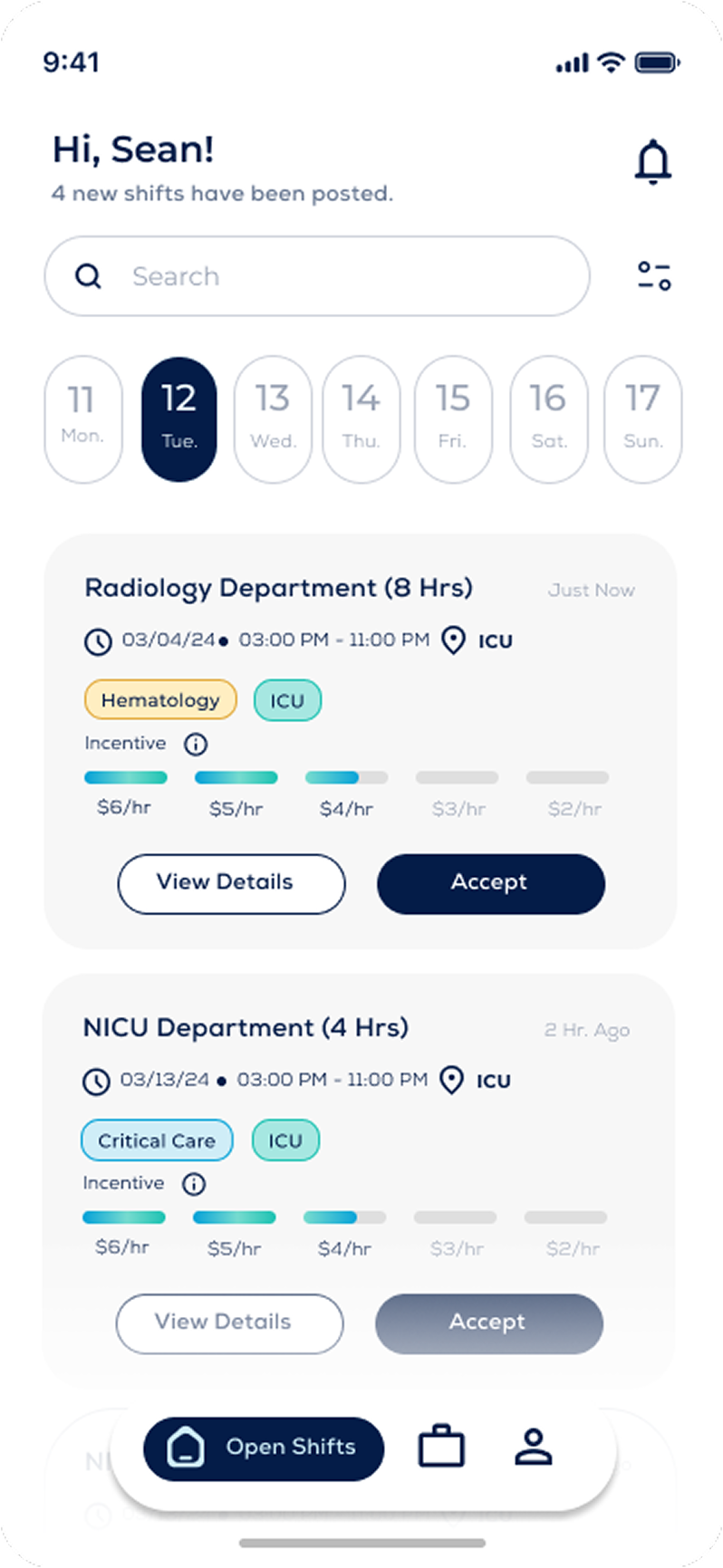
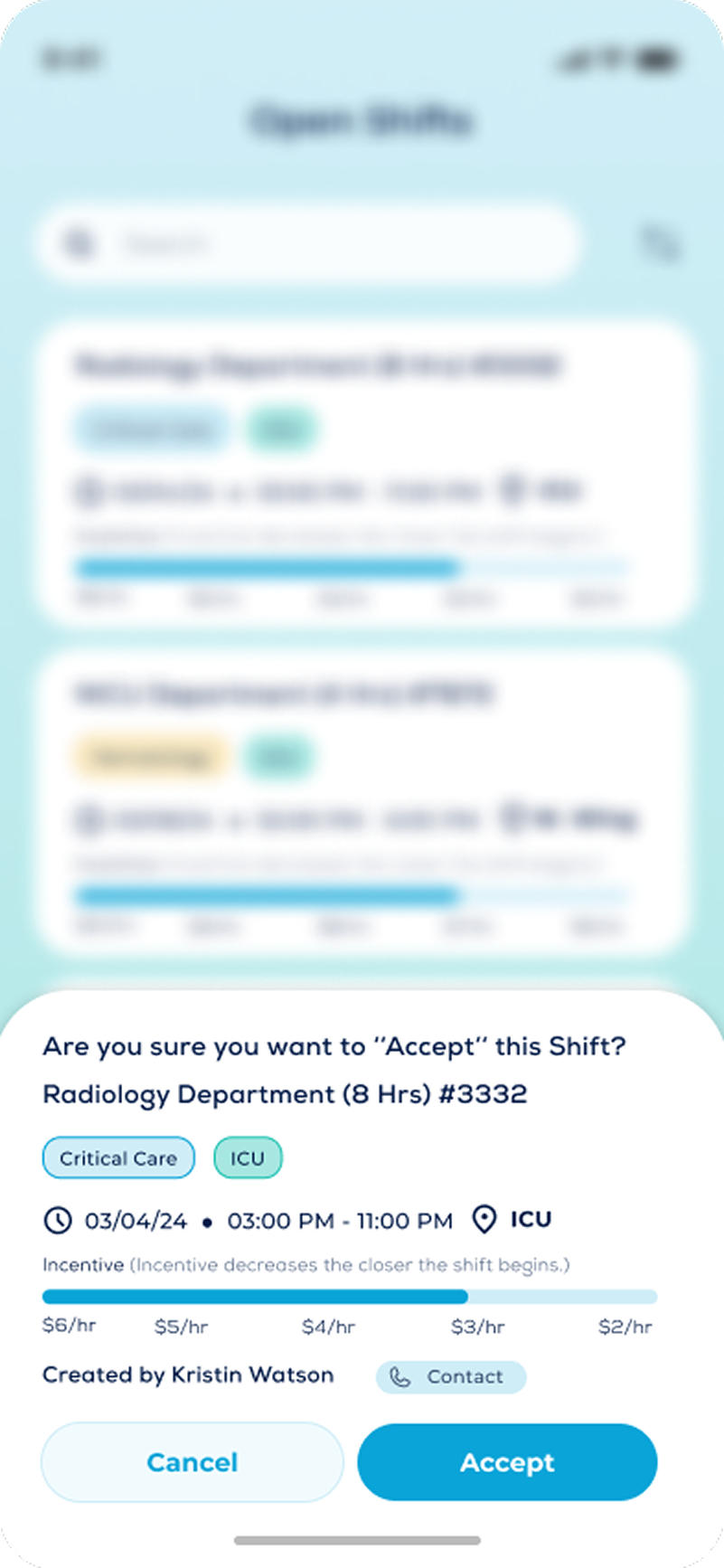
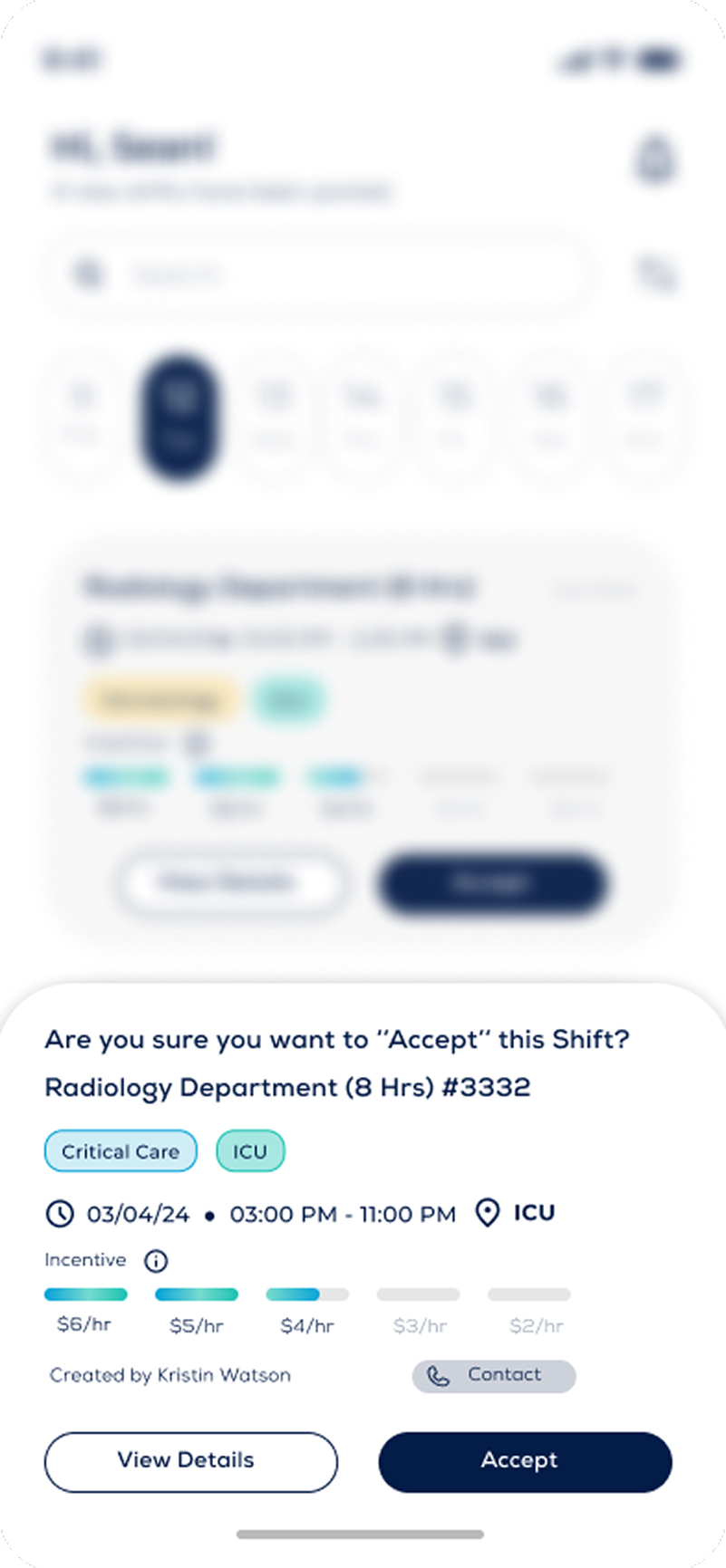
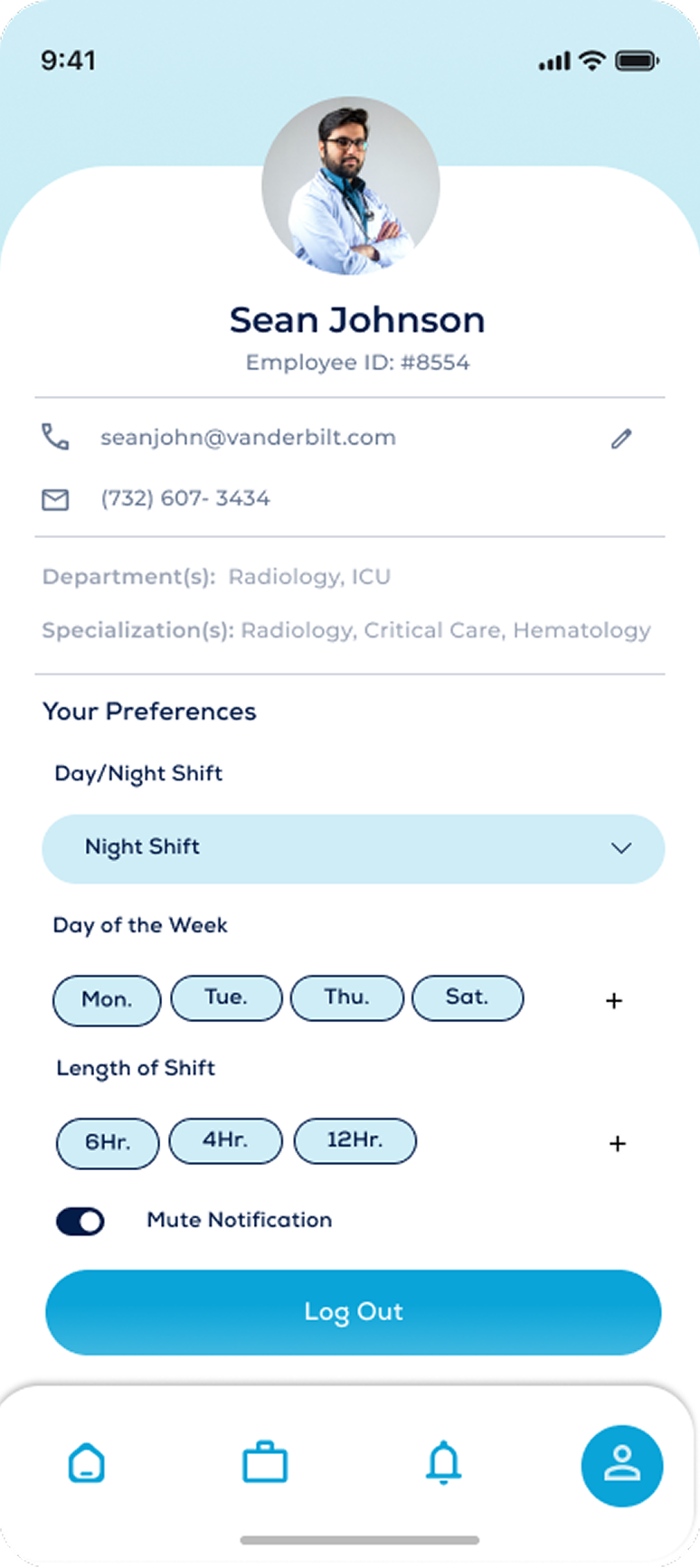
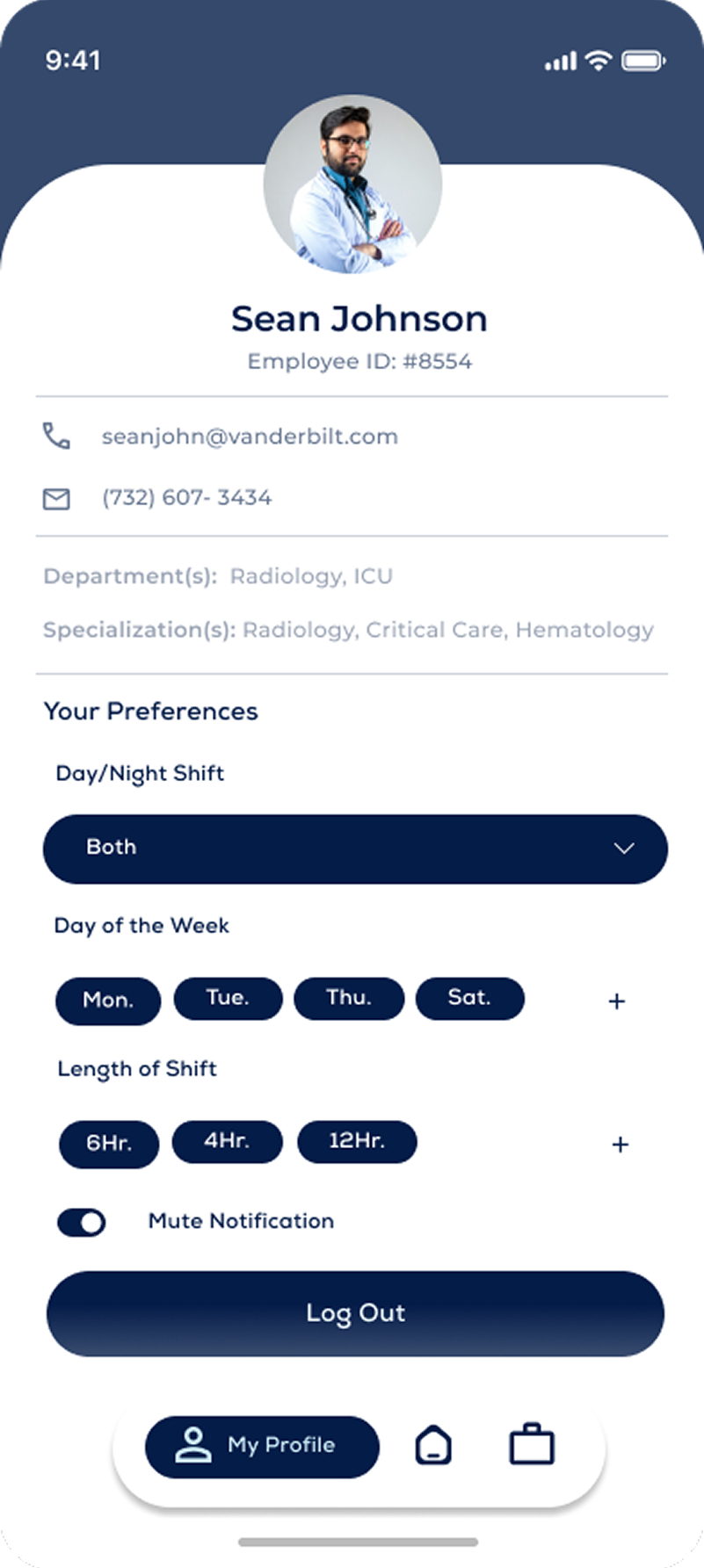
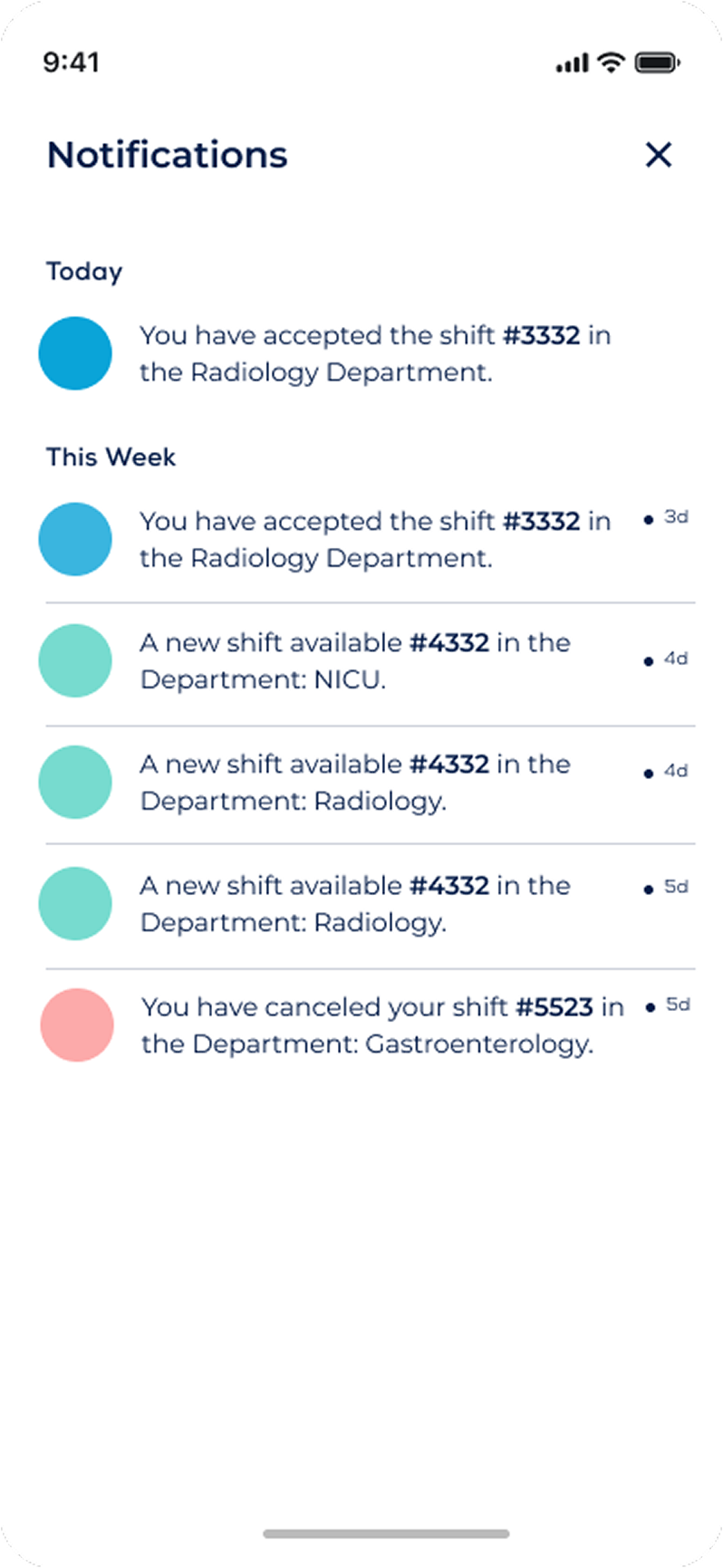
After approving the wireframes for the Mobile Application, I began creating design iterations for the client. Below, are a couple of different UI Designs we went over, which helped us pick and choose elements of each design to incorporate in the final approved UI Design.
Solution
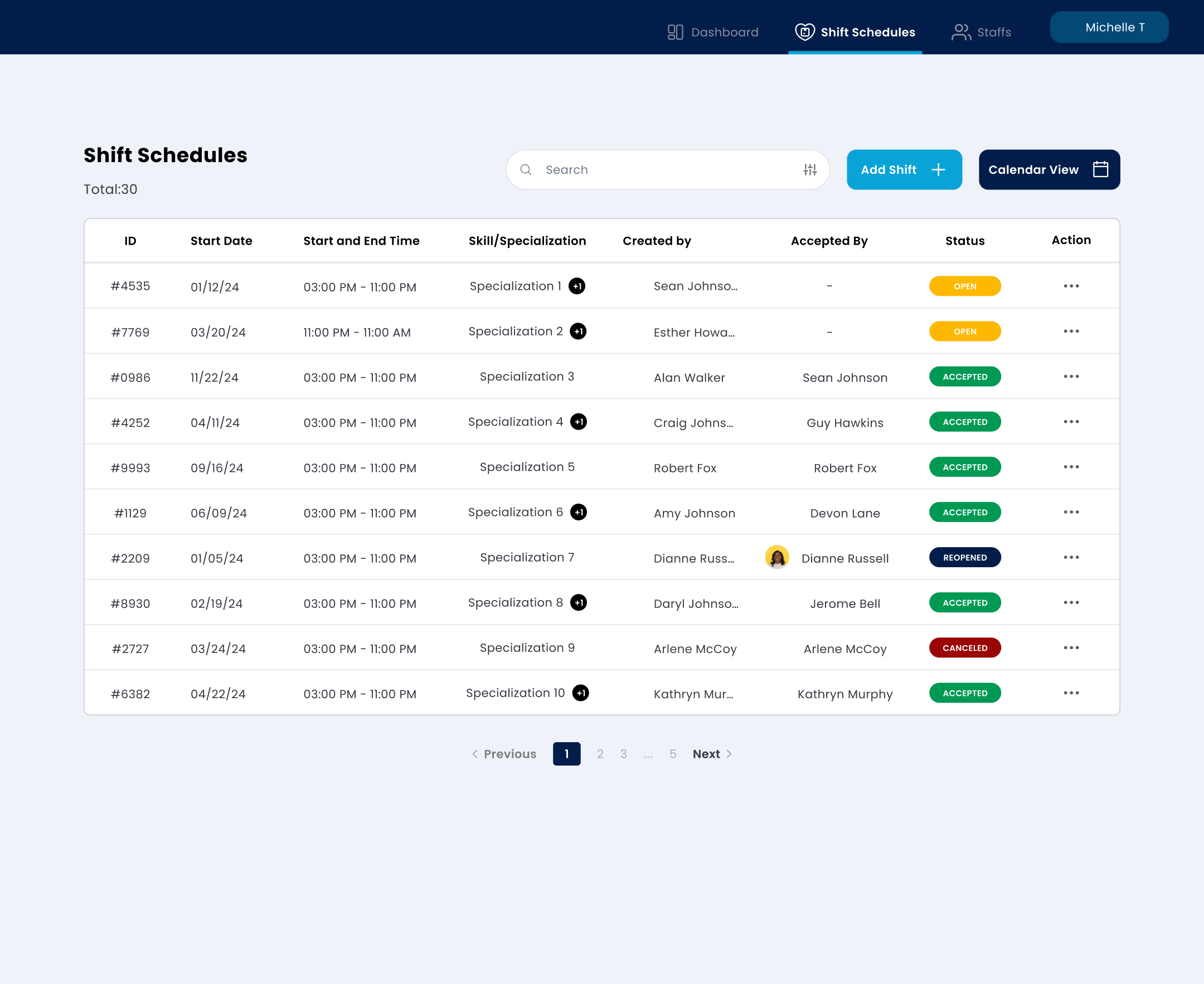
The solution to Gigly's challenge involved creating a sophisticated shift scheduling system that prioritizes user experience and operational efficiency. By leveraging comprehensive user research and iterative design processes, we developed a platform that offers intuitive interfaces for both mobile application users and administrators. This solution not only enhances scheduling reliability and staff satisfaction but also future-proofs organizational staffing by providing a scalable infrastructure adaptable to evolving needs.
Finalized Screens
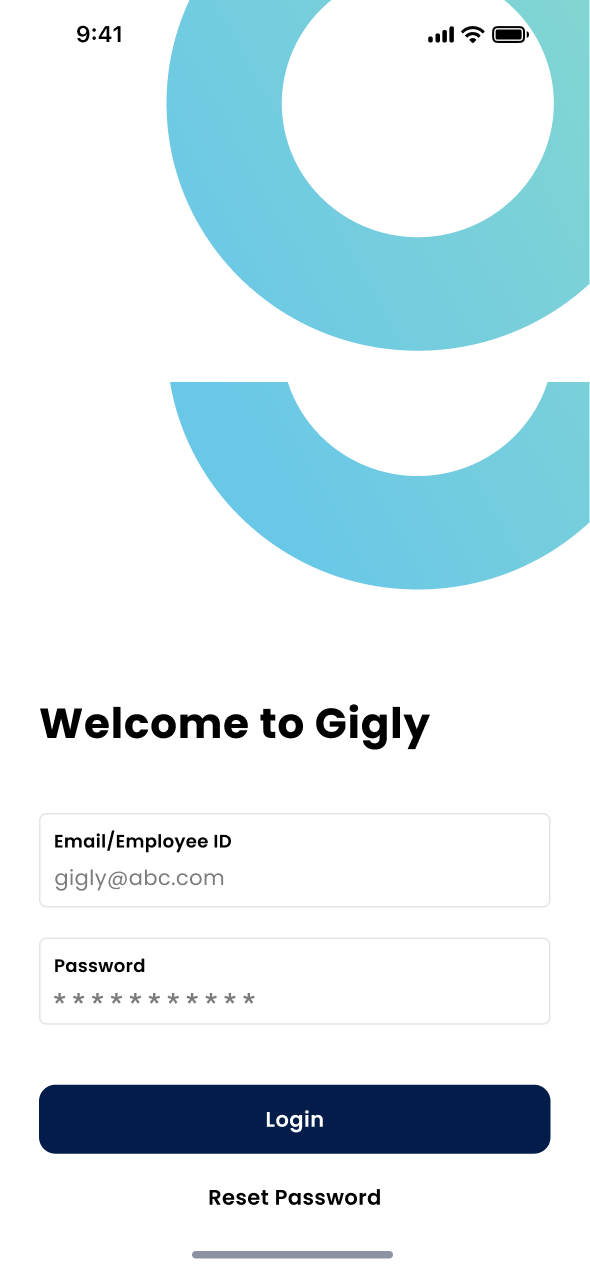
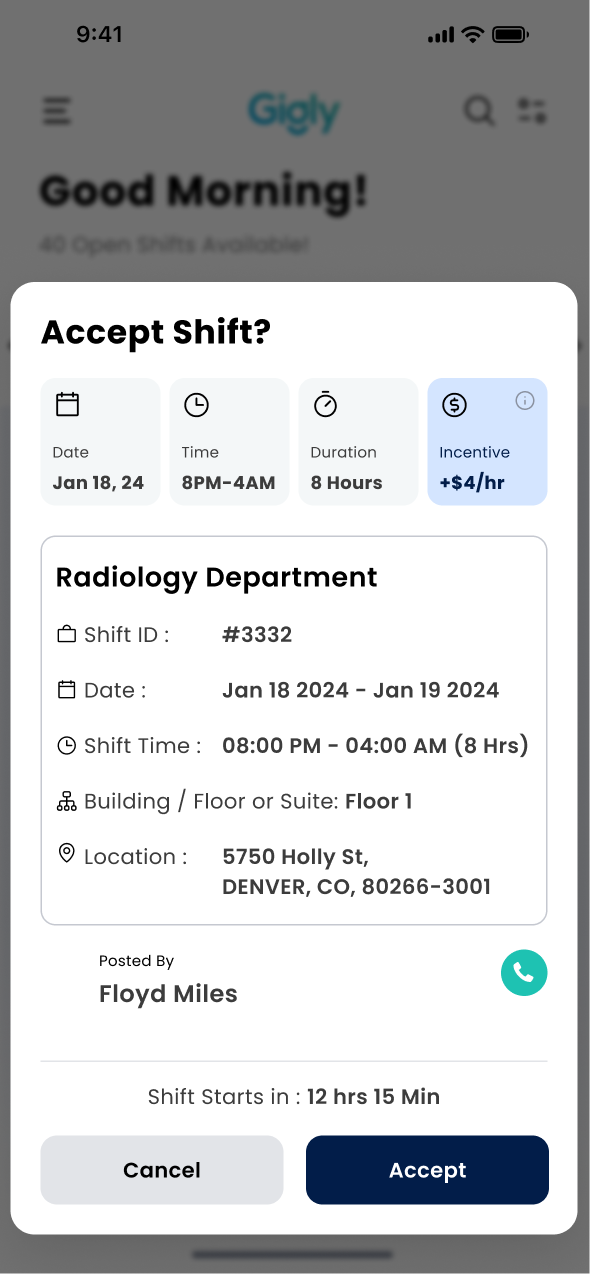
Staff View
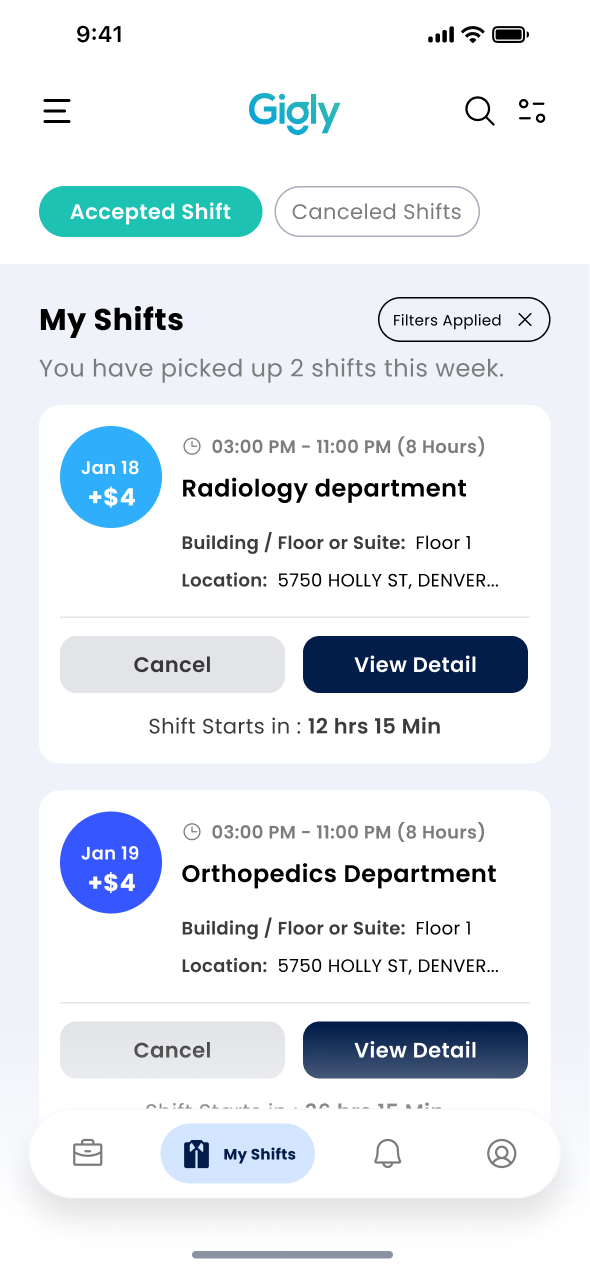
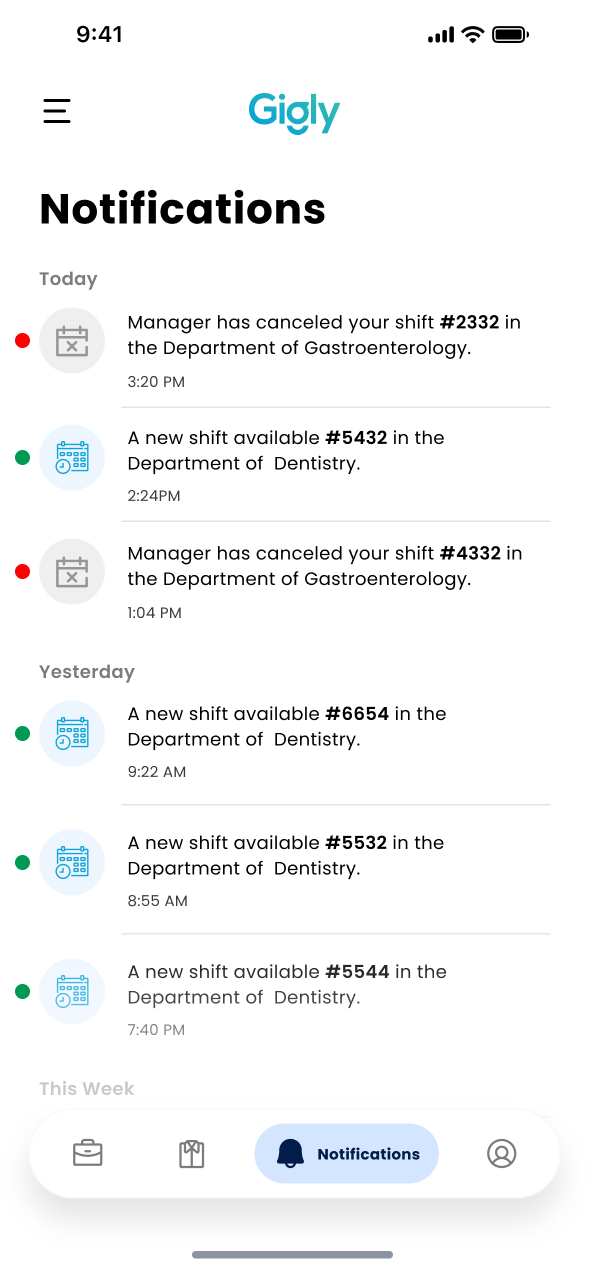
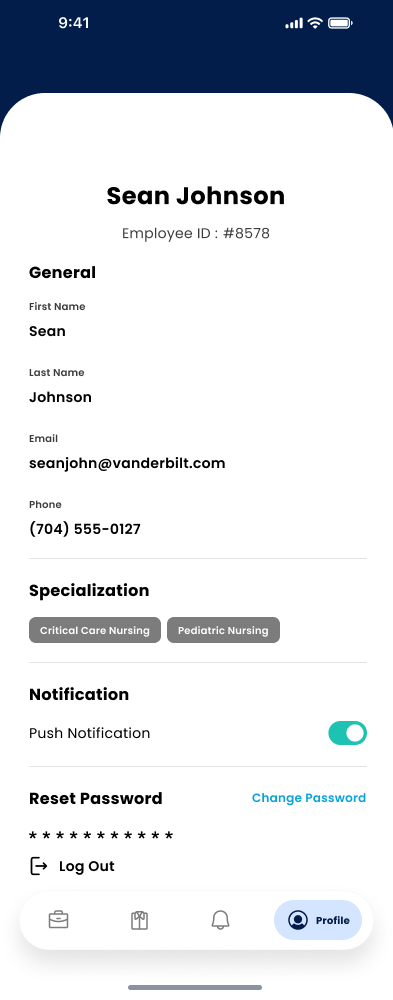
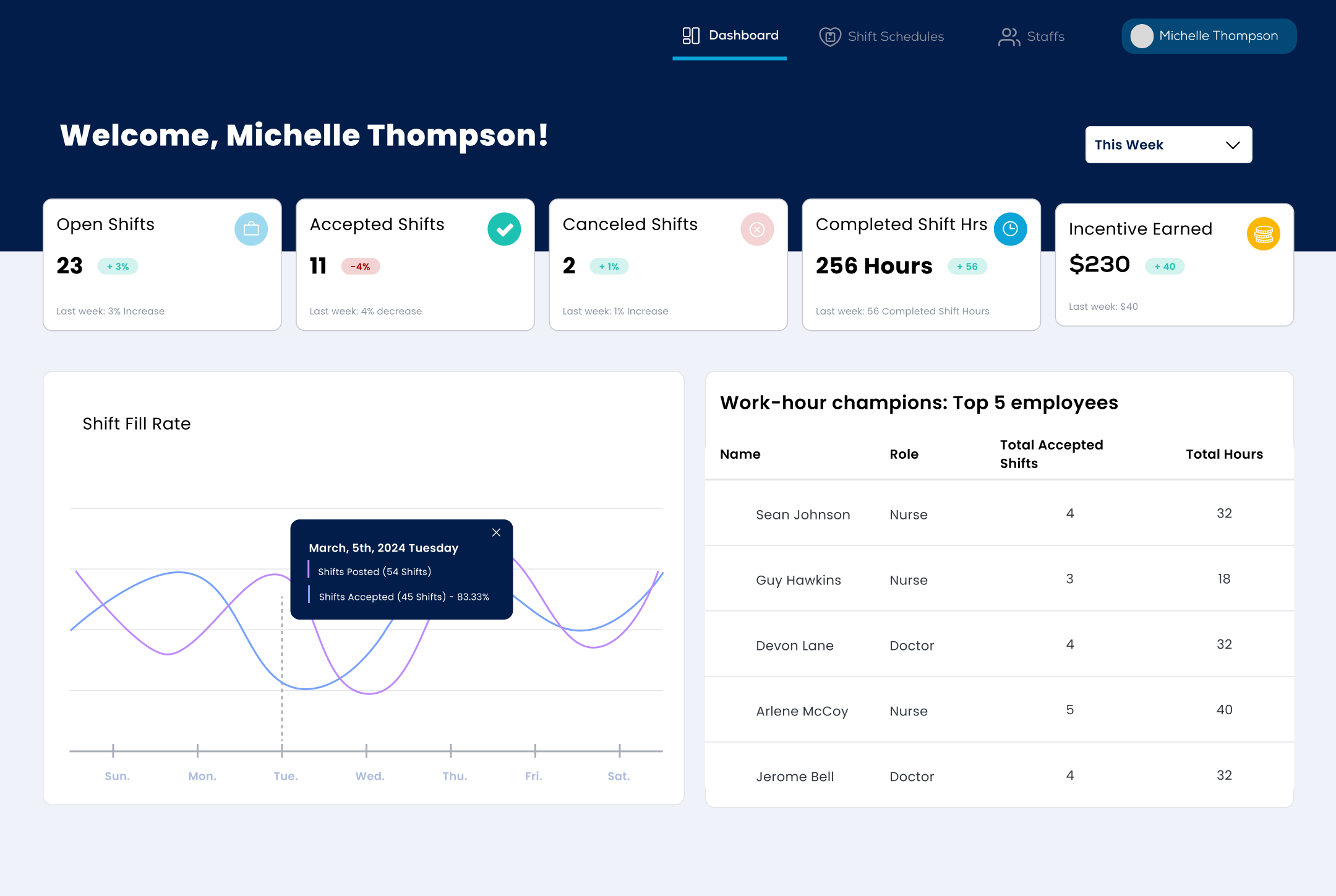
Supervisor View
Project Outcome
One scheduling system for three very different users, replacing tools that had never accounted for how differently staff, providers, and administrators actually work.
Through diligent analysis and user-centered design principles, we successfully developed the Gigly platform, achieving improved operational efficiency and user satisfaction. The platform now serves as a reliable tool for organizations to streamline shift scheduling and optimize their workforce management processes.
What I took from this
Designing for three roles is not designing three products. The work is finding where their needs genuinely overlap, and being honest about where they don't.
Showing the client several directions rather than one made the final decision theirs as much as mine, which made it hold up through development.
Next project
↑ Back to top